


What's new at Content Stadium?

How to Get Started with Athletes App

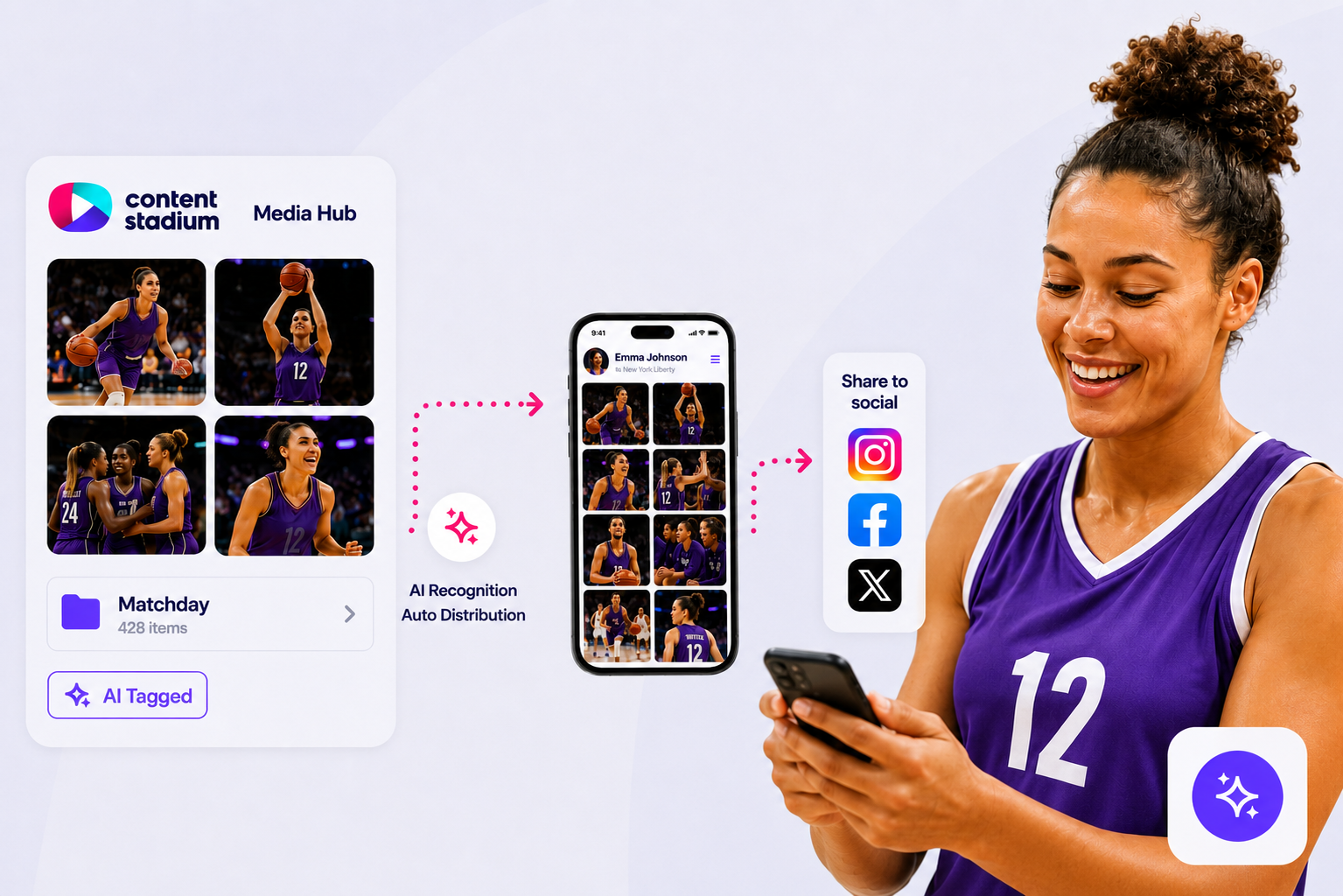
Use the Athletes App to give athletes quick and easy access to their photos and videos. Learn how to invite athletes, guide them through registration, and make relevant media available to them in just a few steps.
How to Edit Photos Using the Photoshop Plugin

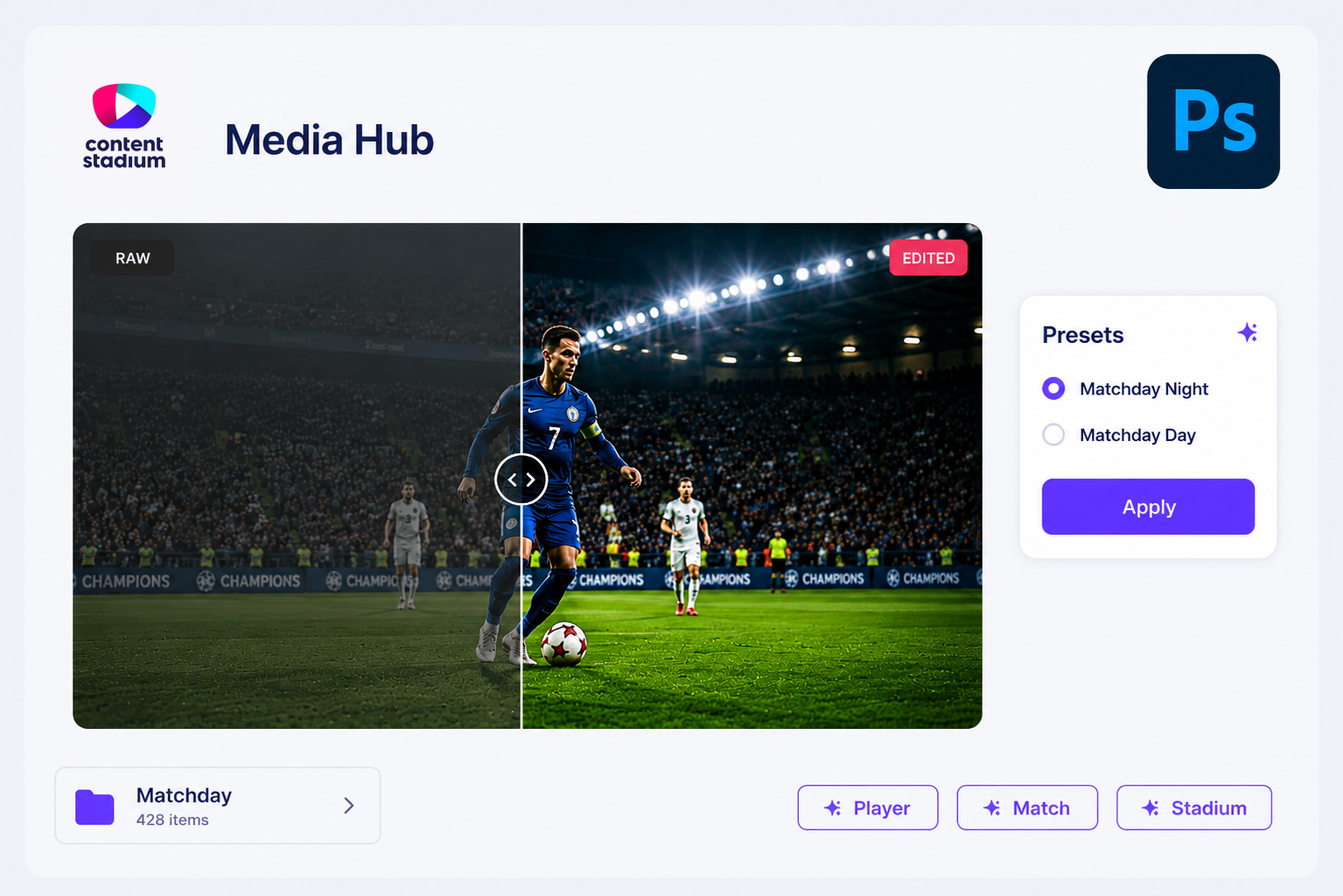
Use the Photoshop Plugin to apply your own presets and edits to images stored in Content Stadium. Learn how to connect Photoshop, edit photos, and publish them back to Media Hub in just a few steps.

How to Upload Files Using an External Upload Link

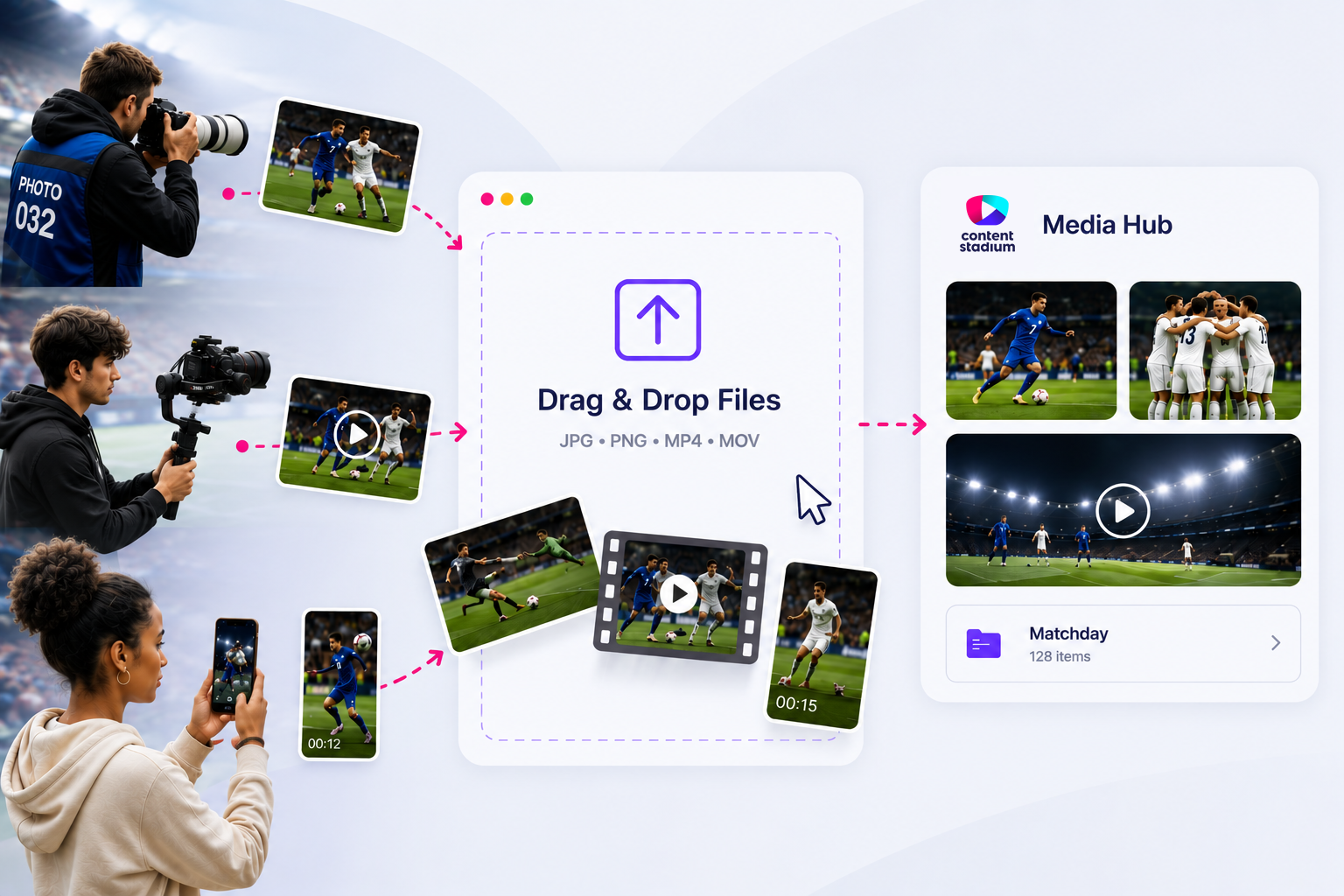
External Upload Links provide a simple way for photographers, videographers, and other contributors to upload content directly into Content Stadium. This guide walks you through creating upload links, collecting files in Media Hub, and using AI-powered tagging and file management features.

How to Upload Files to Content Stadium via SFTP

SFTP makes it easy to transfer photos and videos directly into Content Stadium. In this guide, you’ll learn how to set up an SFTP connection, upload files, and access your content in Media Hub.

How to use our Smart Templates?

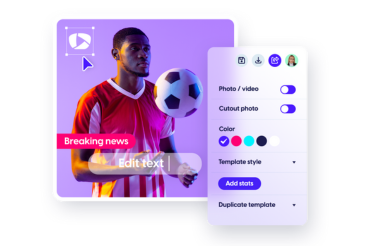
Template-based content creation solution, backed by a team of design and social media experts. Unlike other template solutions, we both custom-design and custom-build your branded templates. This means that they are completely tailored to your unique (brand) needs to make your content creation process as efficient and on-brand as possible.

How to use our CREATE App?

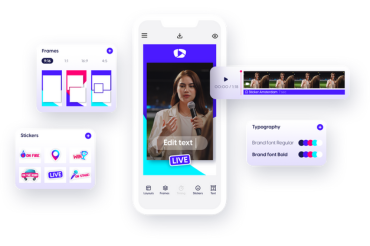
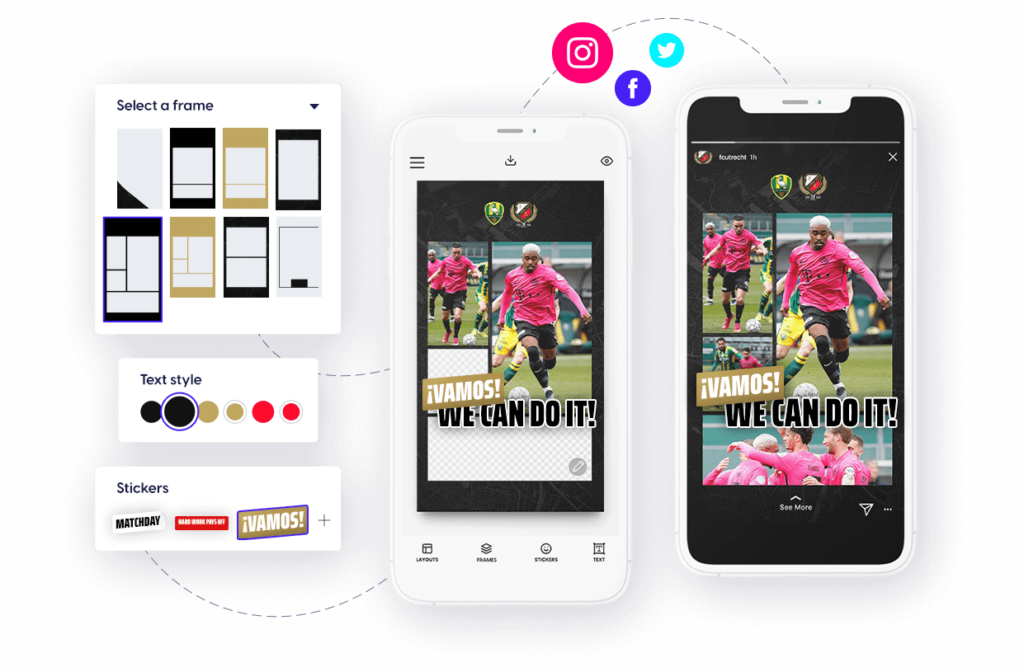
The Content Stadium CREATE App makes it easy to create branded photos and videos directly from your phone. Use your organization’s pre-approved fonts, frames and stickers to create on-brand social content wherever you are.

How to use Manage Teams?

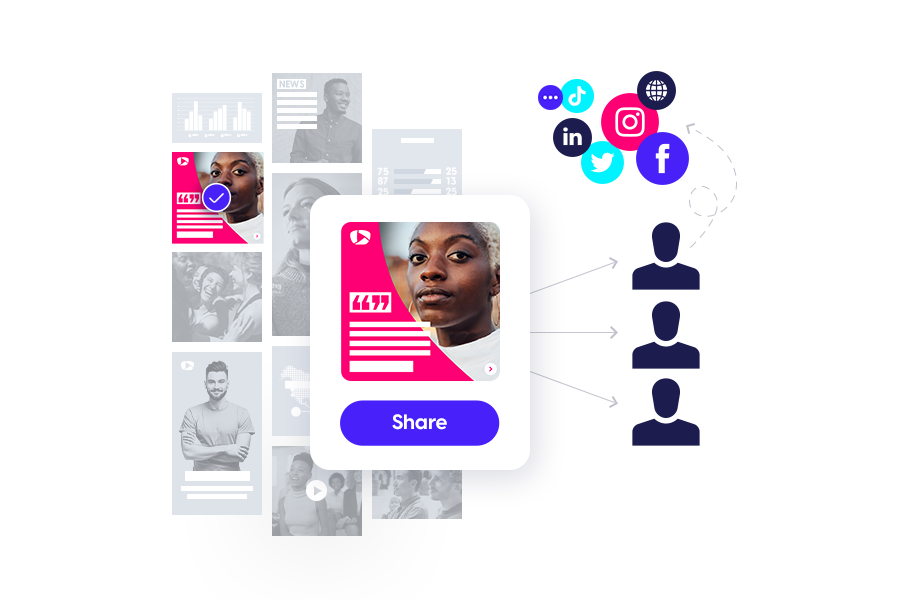
Our Manage Teams functionality helps you easily manage and assign specific roles within your organisation all in one single platform.

How to use Content Stadium Widgets?

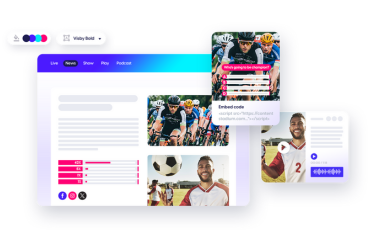
Keep your visitors on your site longer, elevate the user experience and capture audience data — all with our interactive and data-compliant widgets tailored to your brand guidelines.

Start using our widgets with our step-by-step guide:

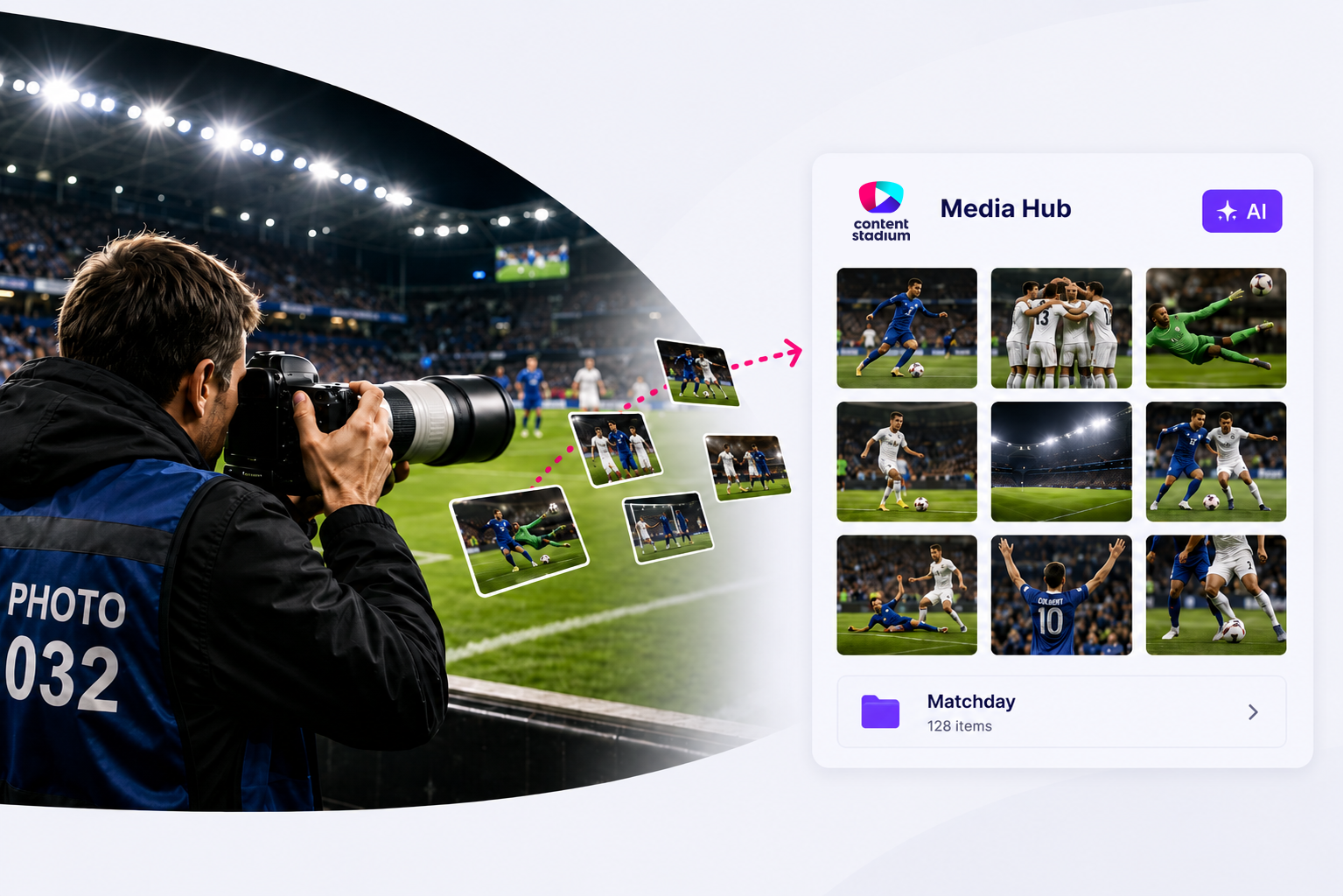
How to use our Media Hub?

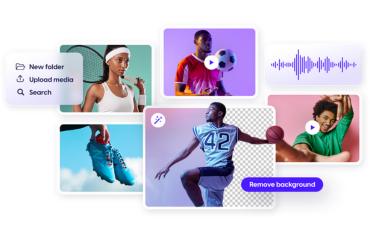
Use the Content Stadium Media Library to manage and edit your media files in one central location accessible from anywhere.